I have been working on a couple search projects lately and have found it very helpful to create a XML Results page in my Search Center.
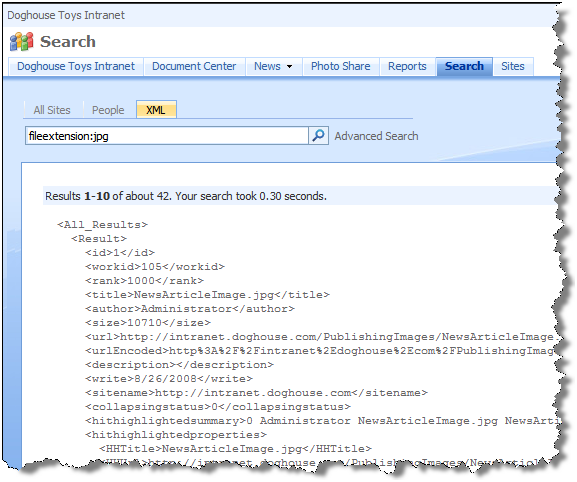
It is easy enough to do.
-
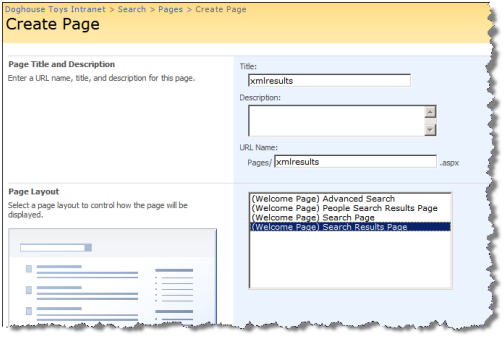
In the Search Center choose Site Actions | Create Page.
-
Create a new Search Results page and call it XMLResults.aspx
-
Once the page is created, set the “Target search results page URL” property of the Search Box to “xmlresults.aspx”. This will direct any new queries from the XMLResults page back to the page, rather than the default Results page.
Read More →