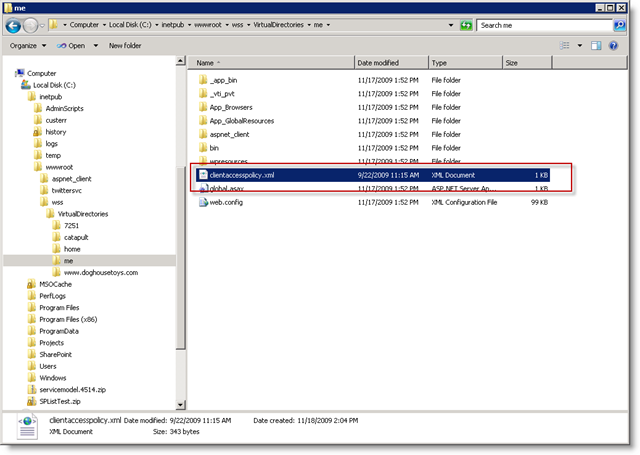
I am upgrading my Silverlight demo code from the old beta to beta 2 and see that there are a few new considerations for the deployment of ClientAccessPolicy.xml files. In a previous post I demonstrated how to do this for SharePoint 2007. The heartburn that I get with that approach is any site collection owner or designer can drag the file into the site collection and open the site up to unwanted client access issues. In 2010 the virtual path provider no longer serves the files from the root of the site collection. In SharePoint 2010 you simply deploy the file to the root of the web application on the Web front ends. This means that for my My Site Host (http://me) I copy the file to c:\inetpub\wwwroot\wss\VirtualDirectories\me.